
A board deck lands in your inbox ahead of Thursday's meeting. Dozens of slides: a growth chart on one scale, a cash runway slide on another, a hiring plan, and a note buried near the end about a customer concentration issue nobody raised on the call.
Somewhere in there is the paragraph you actually need for your IC memo. Finding it usually means reading the whole thing.
Vestberry's AI Document Summary is built to close that gap, turning a board deck, IC memo, due diligence report or meeting transcript into a structured note your team can use straight away.
A deck goes in, a validated note comes out
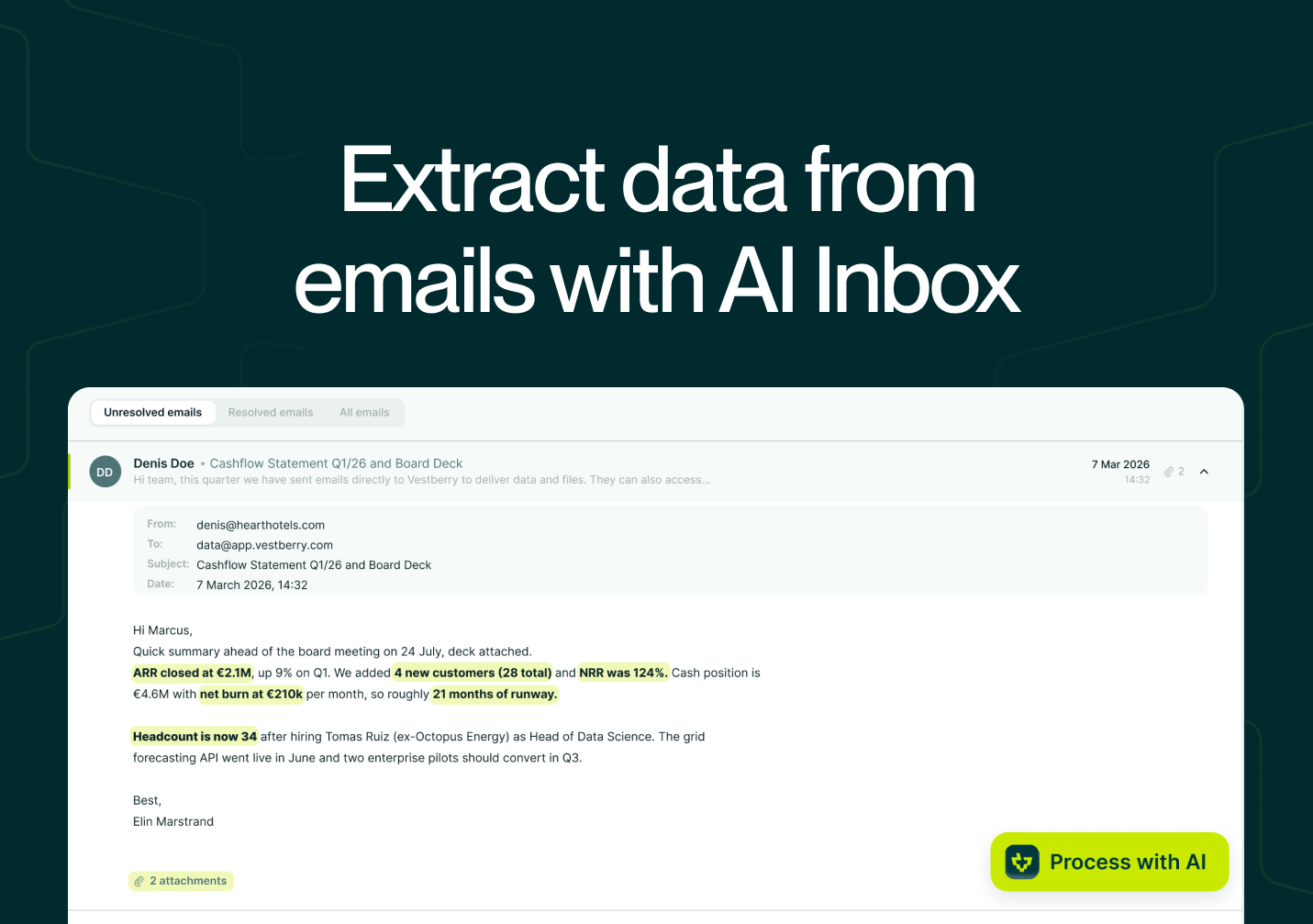
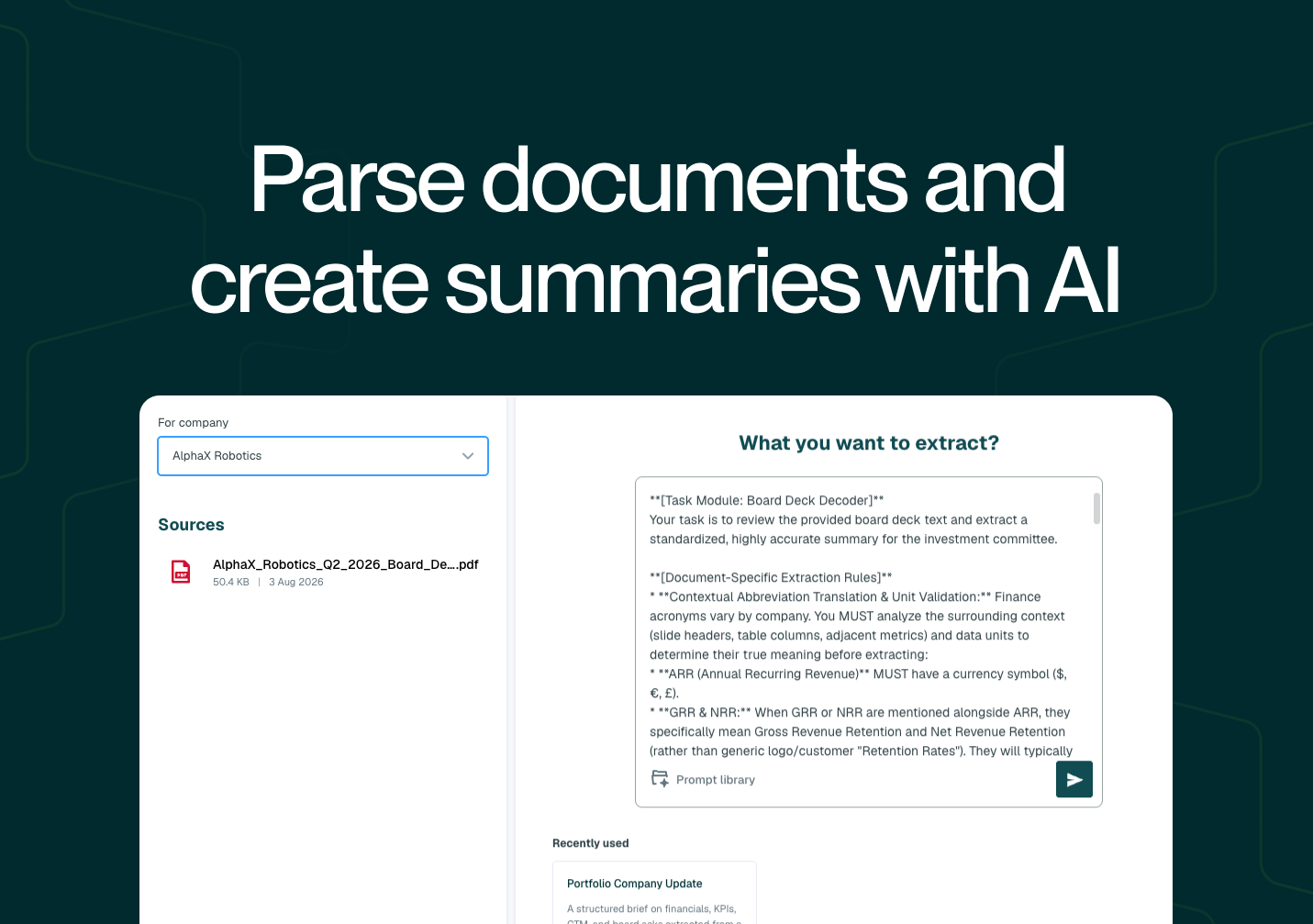
Run it from the Files section, or directly from an attachment in the Email Inbox: open the document, select Process with AI, choose Summarise document, and pick a prompt.
The output opens in a rich text editor next to the source, ready to review, edit or expand before you save it. Once you do, it's stored as a company note, automatically titled with the reporting quarter, so a year from now the right update is easy to find rather than buried in a generic notes folder.
Saved notes flow straight into Report Centre, so the quarter's executive summary populates your portfolio one-pagers without anyone retyping it a second time.
Every summary points back to exactly where it came from
Click the reference number next to any line in a summary, and a tooltip opens showing the exact source page and excerpt it came from, with a link that jumps straight to that spot in the original document. For statements the AI has synthesised across several slides rather than lifted from one, the same click shows the reasoning behind the conclusion instead.
That citation trail stays intact even if the source file is later removed from the platform, which matters when a summary from an earlier quarter gets referenced again during an audit.
Written the way your firm already writes IC memos
Every firm has its own idea of what belongs in a board update or an IC memo. AI Prompts lets your team write, test and save its own extraction instructions, alongside Vestberry's built-in templates, so summaries come out in your format rather than a generic one.
The Prompt Builder includes a sandbox to test a new prompt against a real document before anyone relies on it, and prompts shared across the team stay open for anyone to refine, so the firm's best version keeps improving rather than splintering into several slightly different copies.
It reads a founder's email just as well as a deck
Not every update arrives as a polished deck. Plenty of it is an email thread, sometimes with a founder correcting their own numbers three replies in. The same summarisation runs directly on email content inside the Email Inbox, built to follow a thread's corrections and land on the final, agreed figures rather than the first message.
Want to see what one of your own board decks looks like as a summarised note? Get in touch with the Vestberry team for a walkthrough.
FAQ
Does AI Document Summary only work on board decks? No. It also handles IC memos, due diligence reports, meeting transcripts and general portfolio documents, as well as email updates.
Can I trace a summarised statement back to where it came from in the original document? Yes. Every summary includes citations that link back to the exact source page and excerpt, and the trail remains accessible even if the original file is later removed.
Can our firm use its own reporting format instead of a generic summary style? Yes. AI Prompts lets you build, test and save custom instructions, and share them across your team so every summary follows the same standard.